Run Alby Hub with Railway.com
Self-host Alby Hub in the cloud on Railway without managing a server manually.
Prerequisites
Railway is a good option if you want to self-host Alby Hub in the cloud without manually setting up a server, installing Docker, or configuring system packages yourself. This guide walks you through deploying Alby Hub on Railway, opening your Hub in the browser, adjusting resources if needed, resizing storage, and updating your Hub later.
Before you begin, make sure you have:
Railway offers a free trial to help you get started without adding a credit card. At the time of writing, the free trial includes $5 credits for 30 days, up to 1 vCPU, 0.5 GB RAM per service, and 0.5 GB of volume storage.
To keep your Hub running after the trial period, or to use more resources and storage, you may need to add billing details or upgrade your Railway plan. See Railway's pricing page for the latest details.

Deploy Alby Hub on Railway
01
Click the Deploy to Render button
Click the button below to start the Alby Hub deployment flow:
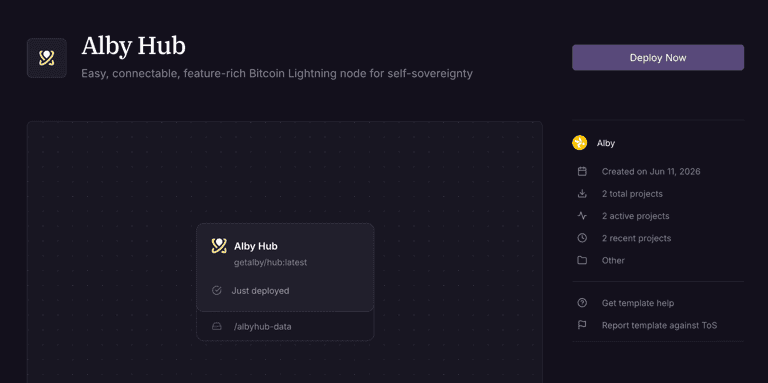
Railway will open the Alby Hub template page. Click Deploy Now.
02
Sign in and deploy the template
Railway will ask you to sign in or create an account before continuing.
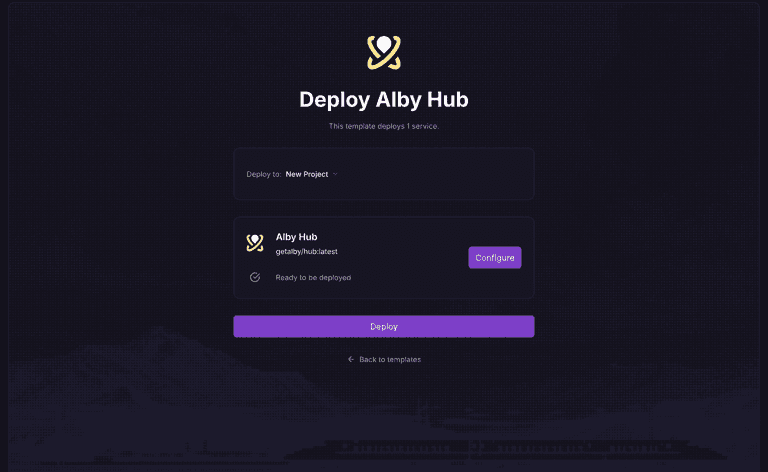
After signing in, Railway will show the Alby Hub deployment page.
03
Open your Alby Hub
Once the deployment finishes, Railway will show your Alby Hub project.
Open the Alby Hub service and go to the Deployments tab.
You should see a deployment marked as Active or Deployment successful.
Railway will also show the public URL for your Hub. Open that URL in your browser.

05
Set up Alby Hub
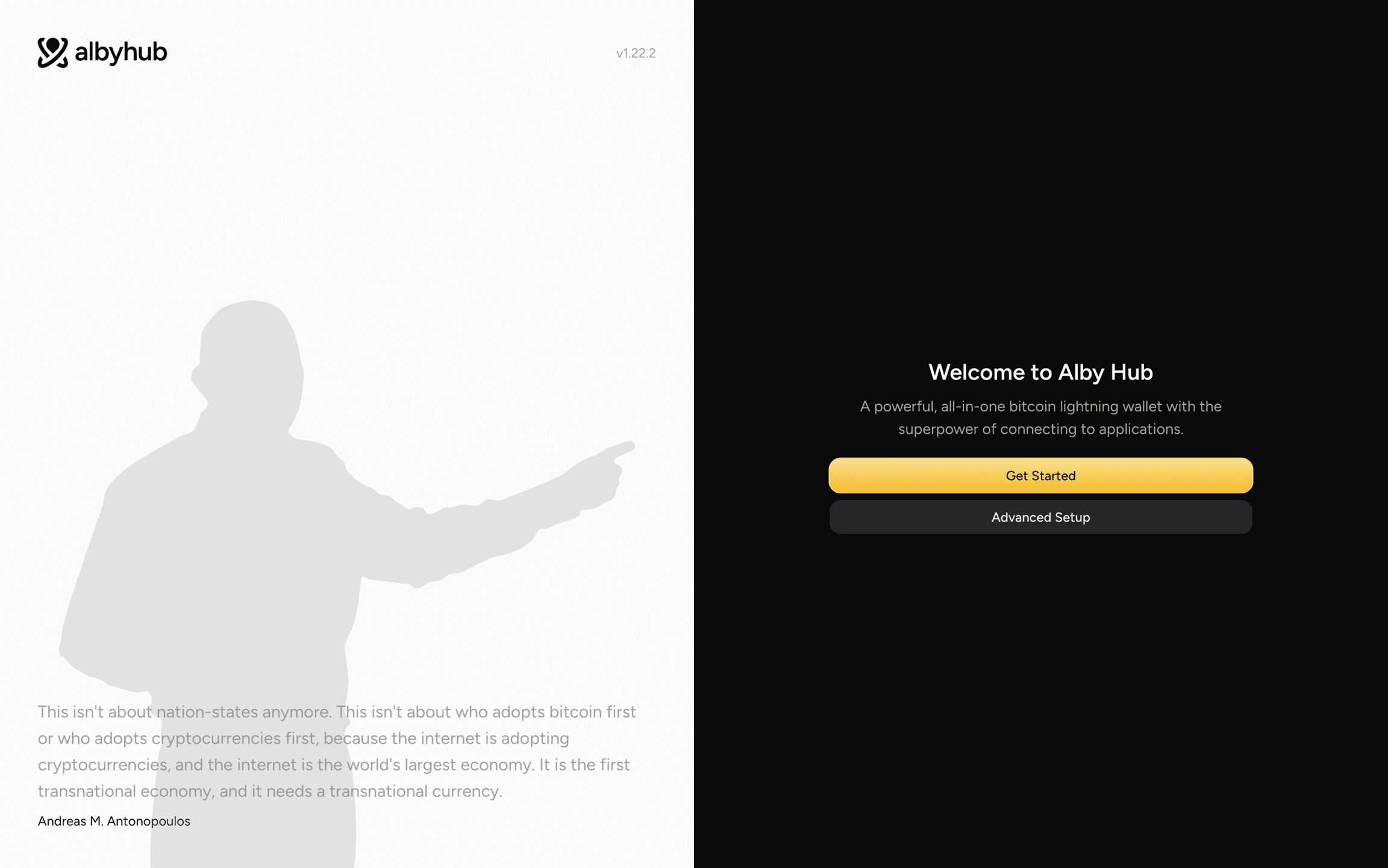
Click Get Started and follow the setup flow in Alby Hub.
During setup, save any important recovery or backup information shown by Alby Hub. Railway provides persistent disk storage for the deployment, but you should still keep your own backup so you can recover or migrate your Hub later.
How to update Alby Hub on Railway
Alby Hub will show an update banner inside the app when a new version is available. When you see the update banner, you can update your Hub from the Railway dashboard.
To update Alby Hub:
1. Open your Railway project
2. Click Alby Hub in the project graph
3. Go to the Deployments tab.
4. From the three-dot menu on the latest deployment, choose Redeploy

Railway will redeploy Alby Hub using the latest available image.
After the deployment finishes, open your Alby Hub URL again and confirm that your Hub is running.