Install Alby Hub on your personal server
Install Alby Hub on your personal server like Umbrel or Start9.
Umbrel
Option 1: Alby Hub self-custodial standalone app using its internal LDK node
Benefits of LDK version:
Encrypted remote backups: recover your bitcoin, including all active channels, anytime
Very resource efficient: Requires minimal storage capacities
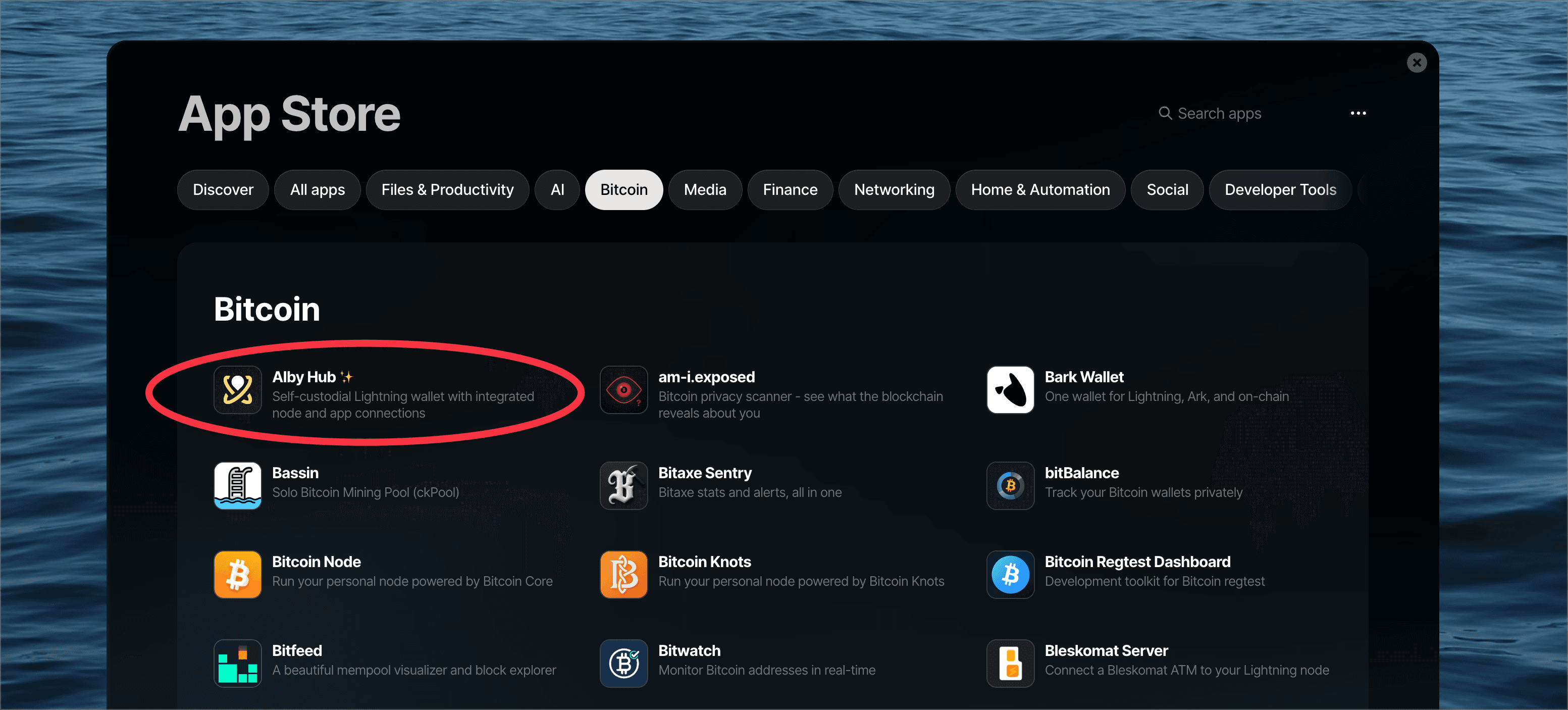
If you don't have the Lightning Node app installed on Umbrel, just go to the App Store and install Alby Hub, with no requirements or other app installed previously. It'll work "right out of the box".
If you’ve already installed the Lightning Node app on Umbrel, follow these steps instead:
You can either choose Get started (LND) or Advanced Setup. Click Advanced Setup.
Connect your Alby Account or choose Maybe Later
Click Create Wallet with Custom Node
Set a password
Select the LDK option
Option 2: Alby Hub using Umbrel's Lightning App (LND) as its funding backend
Just go to the Umbrel's App Store, then look for the Alby Hub under the Bitcoin section. You need Bitcoin node & Lightning App already installed and synced. Click on Alby Hub and Install.
Start9
Just go to the Start9 marketplace, then look for the Alby Hub under the Lightning section. Install.