Published
Category
NWC
How to Accept Bitcoin Payments on WooCommerce
Learn how to add Bitcoin payments to WooCommerce quickly and easily with a single, user-friendly plugin.

Are you running a WooCommerce store and do you want to start accepting bitcoin payments? In this guide, we show you how to accept bitcoin on WooCommerce directly to your own NWC-powered wallet in just a few minutes!
WooCommerce: A Perfect Fit For Bitcoin & Lightning
WooCommerce is a very popular free and open-source e-commerce platform built on top of Wordpress, with almost 4.5 million live stores at the time of this writing. Just like bitcoin and lightning, WooCommerce is decentralized and flexible, allowing you to stay in full control, host your shop and receive payments however you like.
What are the Benefits of accepting Bitcoin at my Store with NWC?
Self custody: With NWC you can receive payments directly to your self-custodial lightning wallet, and your WooCommerce store only needs receive-access to your wallet.
Zero fees: Payments are received directly into your lightning wallet, without fees charged by third-parties such as Stripe or PayPal.
No chargeback fraud: Bitcoin payments are final. Say goodbye to costly chargebacks that drain around 0.47% of annual revenue for the average business. (1)
Global reach: Bitcoin works everywhere, without banks or currency conversions; ideal for international sales.
New customers: Attract the growing number of users who prefer to pay with bitcoin.
Why use Alby Hub for Bitcoin Payments
Truly sovereign bitcoin wallets should be:
Easy to use – intuitive setup and everyday management.
Open-source – so you can verify the code.
Self-custodial – so you, not a third party, control your funds.
Alby Hub combines all three. It’s a self-custodial bitcoin wallet supporting both on-chain and lightning payments.
What sets it apart: an integrated App Store and seamless connectivity to plugins and services — including WooCommerce integrations. This makes Alby Hub the perfect hub for managing bitcoin payments in your online business.
How to accept Bitcoin Payments with the WooCommerce NWC Plugin
Once you have your WooCommerce store up and running, it only takes a few minutes to add bitcoin lightning as a payment option for your customers.
Install the Plugin
Download the ZIP file from the latest release
In WordPress admin, go to Plugins → Add New → Upload Plugin
Upload and activate the plugin

Configure the Plugin
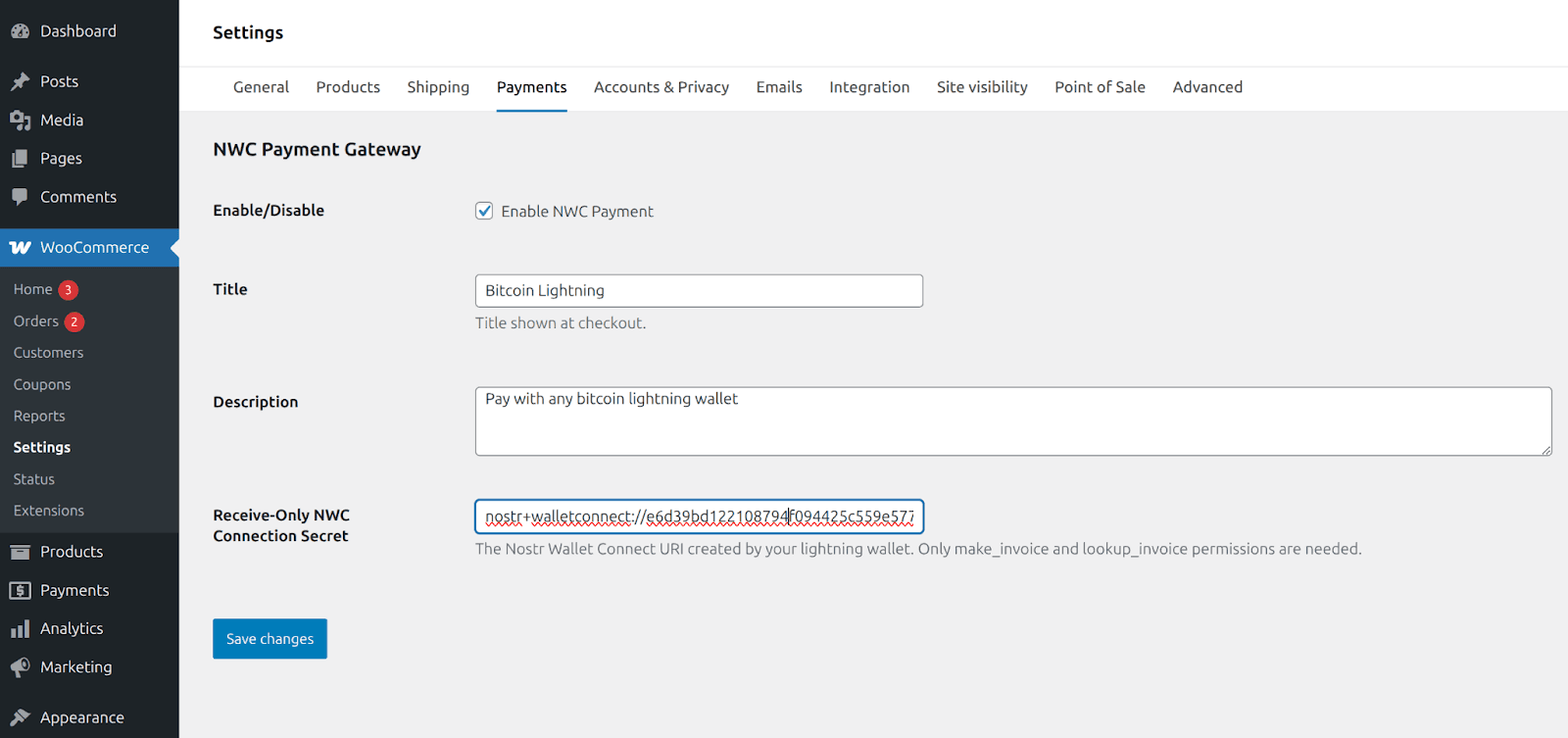
Navigate to WooCommerce → Settings → Payments
Enable "NWC" payment method
Click "Manage"
Enter your NWC connection string into the "Receive-Only NWC Connection Secret" field. With Alby Hub you can create an isolated, receive-only wallet which is perfect to view your store’s transactions separately from the rest of your wallet activity.
Try Paying With Bitcoin Lightning!
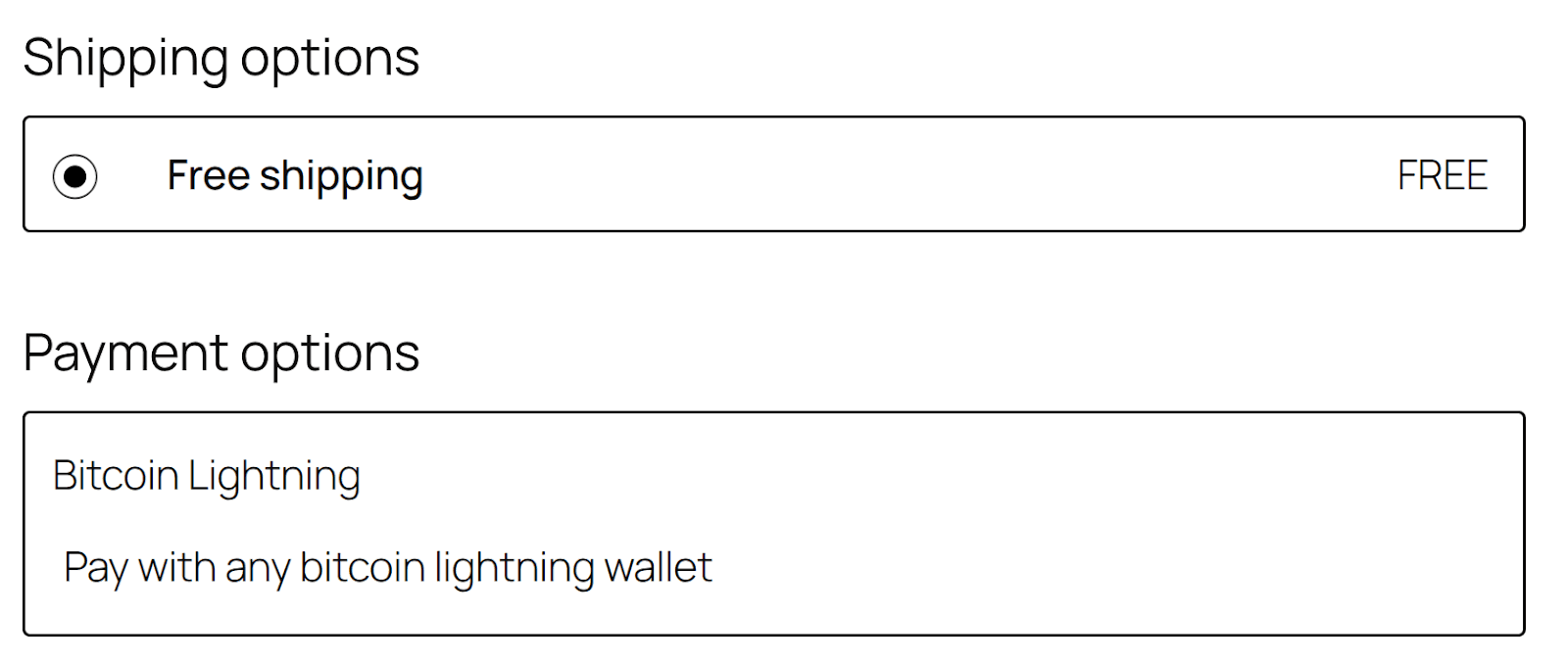
When you go to the checkout page, you’ll notice a new payment option available.
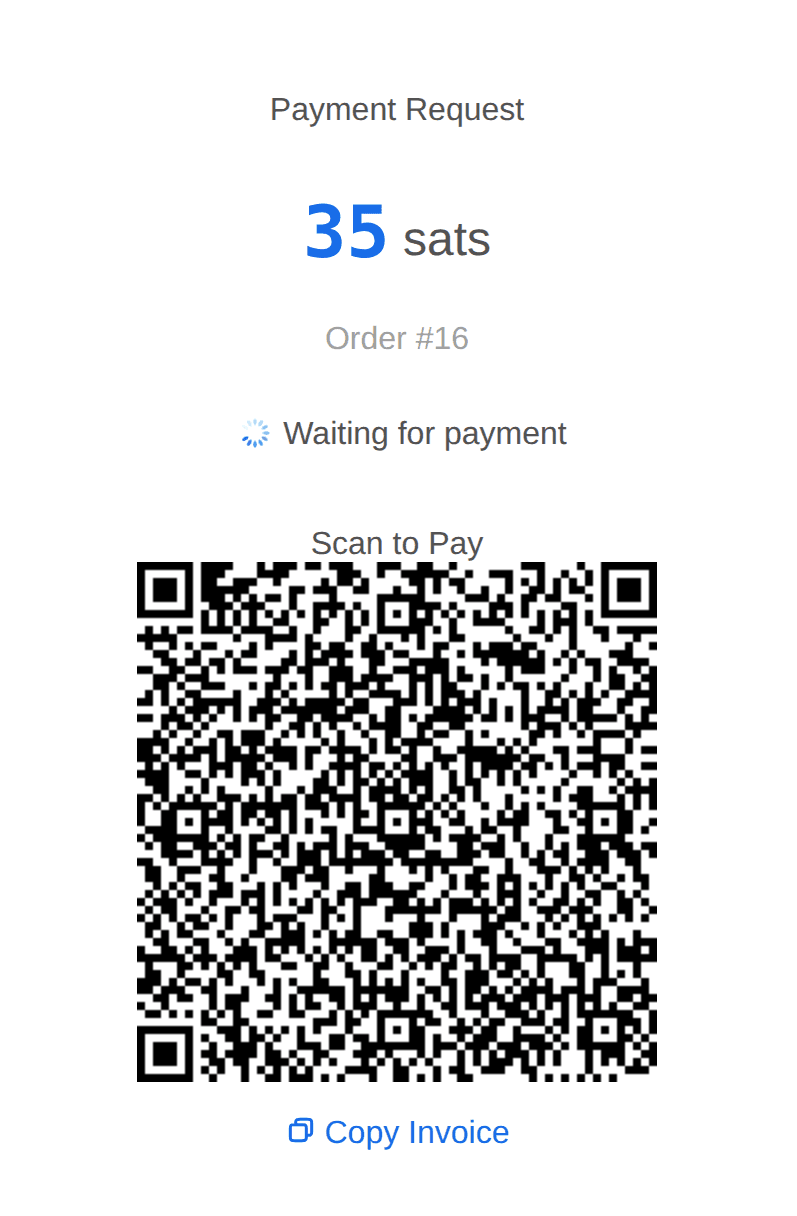
After placing your order, you will be redirected to a payment page, self-hosted by your WordPress instance and powered by Bitcoin Connect, that allows your customers to easily pay with their preferred lightning wallet.
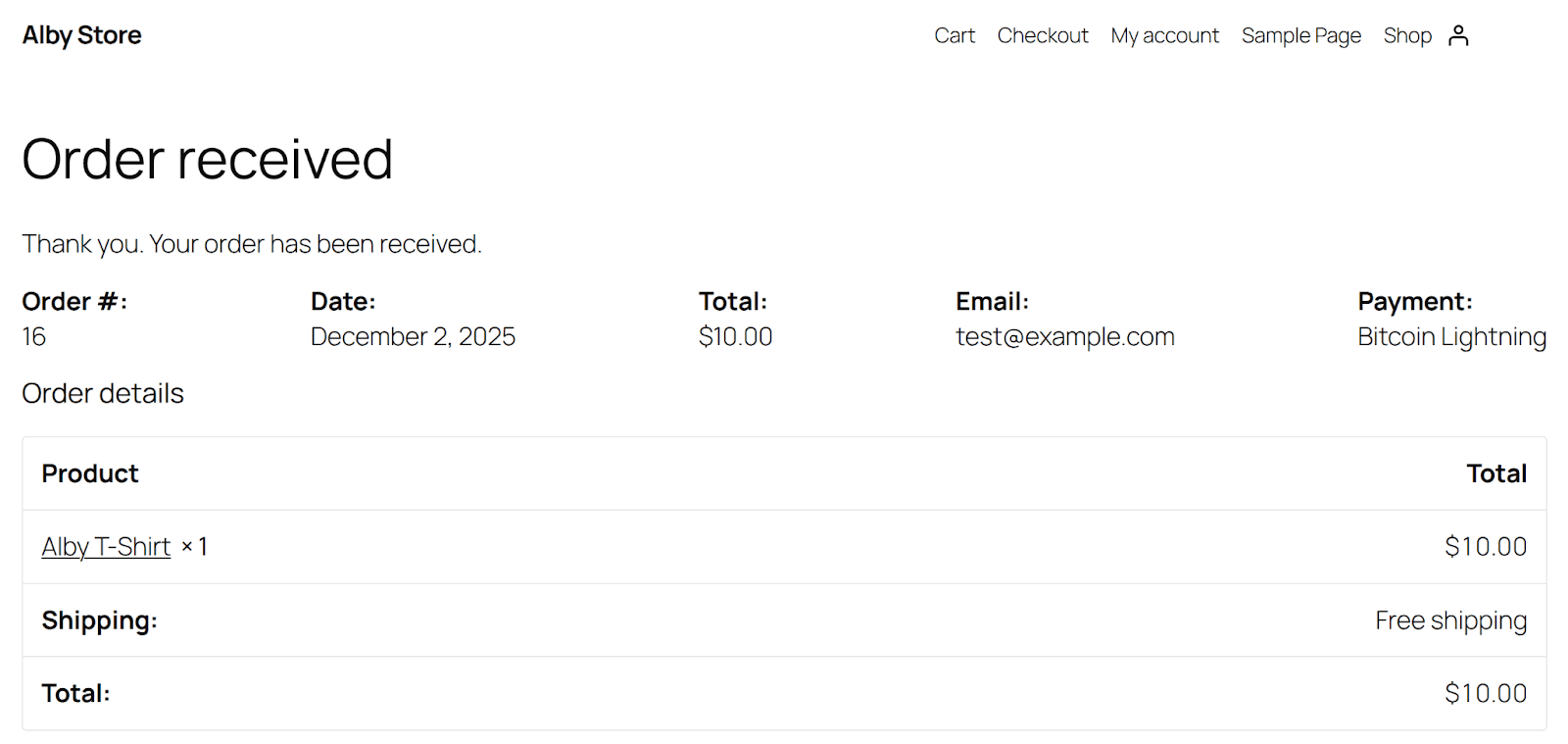
Once the payment is complete, you’ll see a standard order confirmation screen:
With bitcoin payments, not just accepting payments is easy, but also your customers receive a great payment experience.
Do you have a WooCommerce store? If so, try the WooCommerce NWC Plugin today!
Footnotes:
1) https://www.chargeback.io/blog/chargeback-statistics